KPIs and Metrics for Your SOPs
A procedure that nobody measures slowly stops being followed. Add four clear KPIs to each SOP, so you know whether it works — and where it breaks.
Generate an SOP with KPIsKPIs turn an SOP from a document into a habit. They answer one question: is the process doing what it is for? When you switch on KPIs, the SOP Generator adds four specific metrics with targets, based on the steps it wrote and the rules you gave it.
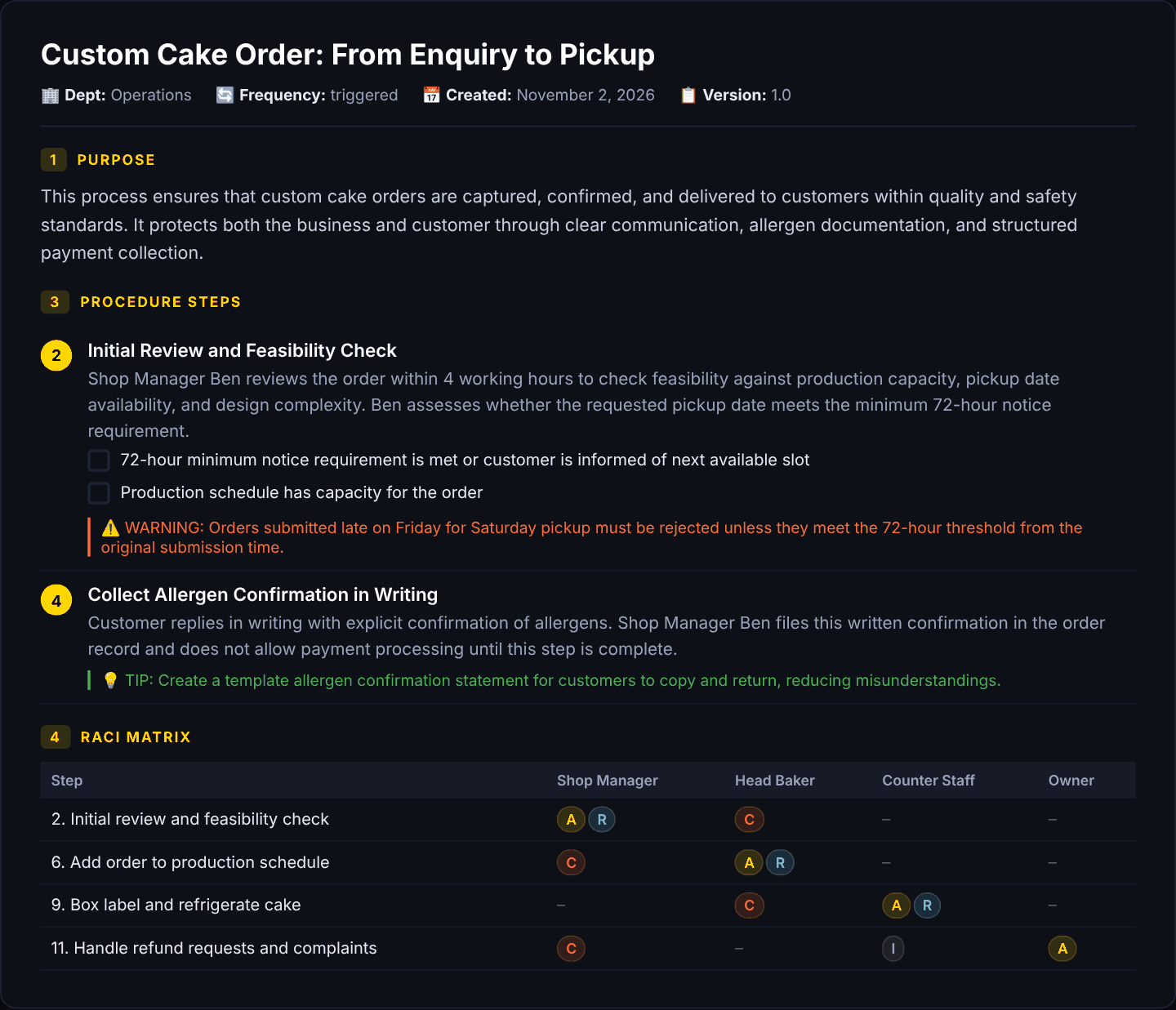
Real example: four KPIs for cake orders
Oakline Bakery, Ben and Rosa are invented. The process description was written for the test; the SOP is real tool output.
| KPI | Target (as generated) |
|---|---|
| Order Confirmation Response Time | 100% of orders reviewed and confirmation email sent within 4 working hours of submission |
| Allergen Documentation Accuracy | 100% of orders have written allergen confirmation filed before payment processing; zero allergen-related incidents or complaints |
| On-Time Pickup Fulfillment | 95% of cakes are boxed, labelled, and refrigerated before the first assigned pickup slot; zero missed or late pickups |
| Customer Satisfaction Score | Average 4.5 out of 5.0 on post-pickup feedback survey; zero unresolved complaints |
The first two come straight from our rules — the 4-hour review and written allergen confirmation — and are easy to measure. The third mixes two targets: 95% on time and zero late pickups cannot both be true, so pick one. The fourth needs a feedback survey, which our process did not have; the SOP suggested one in its last step. Every KPI is a starting point to adjust to what you can really measure.
What makes a good process KPI
- It measures the purpose. If the process exists to avoid allergen mistakes, measure allergen mistakes.
- It has one clear target. "Within 4 working hours" beats "fast".
- You can count it without extra work — from your order system, a spreadsheet or a tally sheet.
- Someone owns it. Usually the Accountable role in the RACI.
- It is realistic. 100% is right for safety; for speed, 90–95% is often more honest.
Leading and lagging indicators
Some KPIs show problems early (leading): response time, checklists completed, orders confirmed. Others show the result (lagging): complaints, refunds, satisfaction. A good SOP has both. In the example, response time and allergen documentation are leading indicators; satisfaction and unresolved complaints are lagging. If the leading ones slip, you know the lagging ones will follow.
Turning a rule into a KPI
The easiest KPIs come straight from the rules in your description. "Ben checks the order within 4 working hours" became a response-time KPI; "allergens confirmed in writing" became a documentation KPI. Look at your own description for every number and every "must": each one is a candidate. Rules without a number — "the owner handles complaints" — can still become a KPI once you add one, such as "every complaint answered within 24 hours", which the generated SOP proposed in its complaint step.
Measuring without a big system
- Choose two of the four KPIs to start with.
- Decide where the number comes from: an export, a spreadsheet, a weekly count.
- Record it at the same time each week or month.
- Discuss it briefly with the people in the RACI.
- When a KPI is missed twice, look at the step behind it and update the SOP.
KPIs people will not game
When a number becomes a target, people find ways to hit the number. A response-time KPI can be met with a two-word reply; a satisfaction score can be lifted by surveying only happy customers. Pair each speed KPI with a quality KPI, keep the measurement simple and visible, and talk about the story behind a missed number rather than only the number itself.
When to change a KPI
Targets that are always met are too easy; targets that are never met are ignored. Review the KPIs with the SOP itself, every six to twelve months. If the process changes — a new order system, a new rule — regenerate the SOP from an updated description and compare the new KPIs with the old ones. Related: checklists and SOPs for operations teams.
Plans
SOP Generator is a PRO tool, included in every paid plan on allinnovativ.dev from Starter ($9.99/mo). Each generation or regeneration uses one AI prompt. See plans and prompt limits.
Frequently asked questions
How many KPIs does it generate?
Four specific KPIs with targets for each SOP when KPIs are switched on.
Are the targets right for my business?
They are suggestions based on your description. Adjust them to what you can measure and what is realistic; in our example one KPI had two targets that contradicted each other.
Can I use the KPIs without the rest of the SOP?
Yes. Copy them from the result or the .txt export into your own reporting.
Who should own each KPI?
Usually the role marked Accountable for the steps the KPI measures in the RACI matrix.
Does it need a paid plan?
Yes. SOP Generator is included in every paid plan, starting with Starter ($9.99/mo). Each generation uses one AI prompt.
Ready to try it? Open the SOP Generator or see a full example.
The SOP Generator adds four KPIs with targets to each procedure, based on your rules and the generated steps; the page shows four real KPIs for a made-up bakery process and how to make them measurable and realistic.
The page shows four real KPIs generated for a made-up custom cake order process, notes one KPI with contradictory targets and one that depends on a survey not in the process, and explains good process KPIs, leading and lagging indicators and simple measurement. SOP Generator turns a plain description of a process (up to 2,000 characters) into a standard operating procedure with purpose, scope, 5–15 steps with checks and tips or warnings, a RACI matrix with one Accountable per step, 4 KPIs, a pre-execution checklist and common mistakes; copy, export .txt or print to PDF. It does not check legal or safety requirements. Included in every paid plan on allinnovativ.dev from Starter ($9.99/mo); one AI prompt per generation.