Private PDF Merge (No Upload)
Combine confidential PDFs without uploading them: the merge runs in your browser and the result starts with clean document properties.
Merge PDFs privatelyContracts, records and statements should not pass through an unknown server just to be combined into one file. This merge runs entirely in your browser.
Below we checked the network and the document properties of the merged file, where each step happens, what to review before sharing and who needs this.
Real test: what the merged file reveals
We merged a two-page report and a one-page agreement, logged the network, then inspected the document properties of the result with pikepdf.
| Property | Inputs | merged.pdf |
|---|---|---|
| Author | "anonymous" in the report | Not present: not carried over |
| Title | "untitled" and "agreement" | Not present |
| Creator / Producer | ReportLab in the report | pdf-lib, the open-source library that did the merge |
| Creation date | From each input | The time of the merge |
| Pages | 2 + 1 | 3, in order |
| Network requests during the merge | 0 |
The merged PDF starts with fresh document properties: the author and titles of the inputs were not copied, so a merged bundle does not reveal who created each original file. The pages themselves are copied unchanged, which is what you want for contracts and reports, and also why you should check them before sharing.
Where the merge happens
| Step | Where |
|---|---|
| Reading the PDFs | In the page, from your disk |
| Combining pages | pdf-lib, running in your browser |
| Saving merged.pdf | A file created in the page and saved by your browser |
| Server involvement | None during merging |
Check before you share
Text covered by a white box or a black rectangle is still in the page; merging does not remove it.
Annotations on the pages travel with them; review the file in a PDF viewer.
Leave out pages that should not be shared instead of relying on order.
The download is called merged.pdf; rename it before sending.
Check it yourself
- Open the tool and press F12 (or Cmd+Option+I on a Mac) to open the developer tools, then the Network tab.
- Clear the list, then add two PDFs and click Merge & Download.
- Watch the list: requests to blob: addresses are the page talking to itself; a request carrying your file to another server would show up with its size.
This is the same check we ran for the test above, and it takes a minute.
Who needs a private merge
| Documents | Why |
|---|---|
| Contracts and annexes | Confidential terms and signatures |
| Medical and HR records | Personal data under privacy laws |
| Financial statements | Account details and amounts |
| Client deliverables | Work that is not yet public |
How to merge PDFs privately
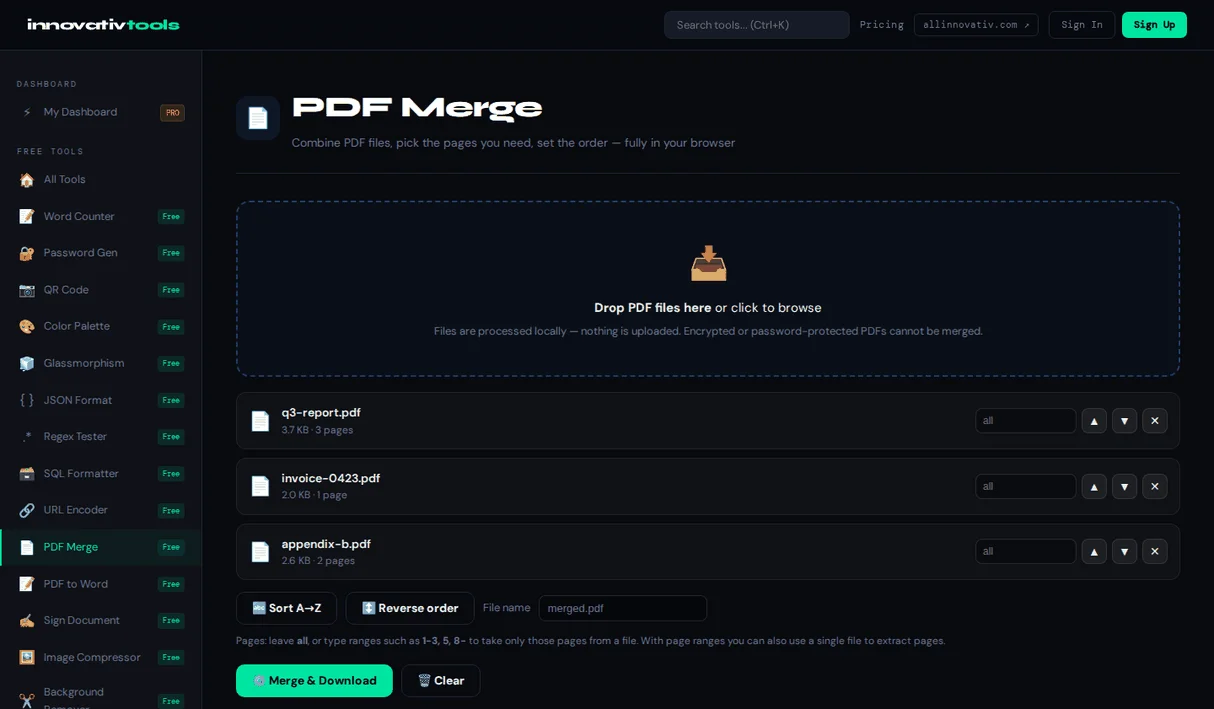
- Open PDF Merge and add the files.
- Order them and set page ranges.
- Click Merge & Download, then rename merged.pdf.
See also free PDF merge.
Frequently asked questions
Are my PDFs uploaded?
No. The network log showed zero requests during the merge.
Does the merged PDF keep the original author?
No. Author and titles of the inputs were not carried over in our test.
What does the file say about how it was made?
Creator and Producer are pdf-lib, the library that merges the pages.
Does merging remove hidden or covered text?
No. Pages are copied as they are; review them before sharing.
Are comments kept?
Annotations on the pages travel with them.
What is the file called?
merged.pdf; rename it before sending.
Last updated: 18 November 2026.
The All Innovativ PDF Merge combines PDFs in the browser with pdf-lib without uploading them; merged.pdf gets new document properties.
Real test: merging a ReportLab report (Author anonymous) and an agreement made zero network requests; merged.pdf had 3 pages, Creator and Producer pdf-lib, a new creation date and no Author or Title from the inputs.