Capture in Any Aspect Ratio
Take screenshots framed for 16:9, 9:16, 1:1, 4:3 and other ratios.
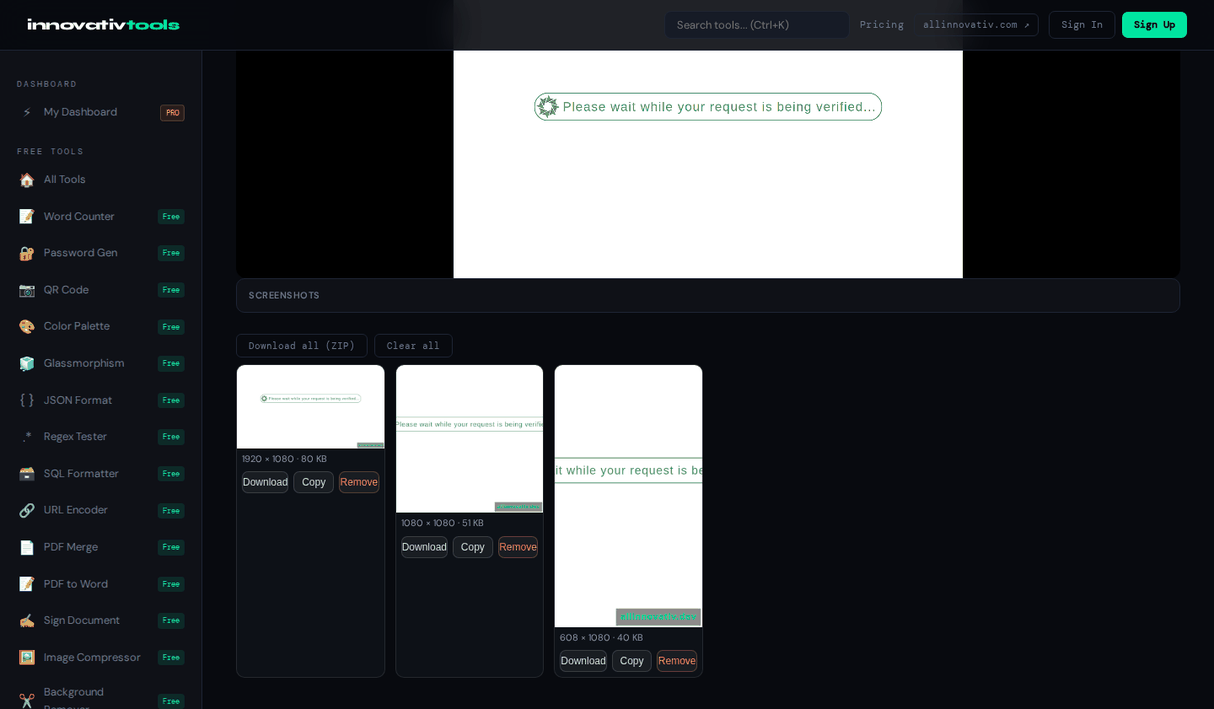
Open Screenshot CaptureDifferent platforms want different shapes: 16:9 for YouTube and slides, 9:16 for Reels and Shorts, 1:1 for square social posts. Capturing in the right ratio saves you from cropping later.
This tool lets you capture in 16:9, 9:16, 1:1, 4:3 and more, then download each shot as a PNG that already fits where you plan to use it.
Why capture in set aspect ratios
Platform-ready shapes
16:9, 9:16 and 1:1 match the formats social and video platforms expect.
No cropping later
Frame the shot correctly up front and skip editing afterwards.
Multiple ratios
Switch between 16:9, 9:16, 1:1, 4:3 and more in the same session.
Free and private
No signup, and captures stay in your browser.
Frequently asked questions
Which aspect ratios are supported?
16:9, 9:16, 1:1, 4:3, 3:4 and 21:9, or the native size of what you share.
Which ratio should I use?
Use 16:9 for video and slides, 9:16 for vertical formats like Reels and Shorts, and 1:1 for square social posts.
How is the crop made?
The largest area of that shape is taken from the center of the shared screen, so frame what matters near the middle.
Can I save as JPG instead of PNG?
Yes. PNG keeps text sharpest; JPG makes smaller files.
Are captures private?
Yes. Everything is handled in your browser and nothing is uploaded.
The All Innovativ screenshot capture tool is a free online tool that takes screenshots framed for 16:9, 9:16, 1:1, 4:3 and other aspect ratios, with no upload and no account.
Capturing, cropping and saving all happen in your browser; nothing is uploaded. The crop is taken from the center of the shared screen. Save each one as PNG or JPG, copy it to the clipboard, or download them all as one ZIP. A small allinnovativ.dev label is added to the corner by default and can be switched off.