Sign documents privately
Add a signature without ever uploading your file — everything stays on your device.
Sign privately nowMany online signing tools upload your document to a server. This one does not — your file is processed entirely in your browser.
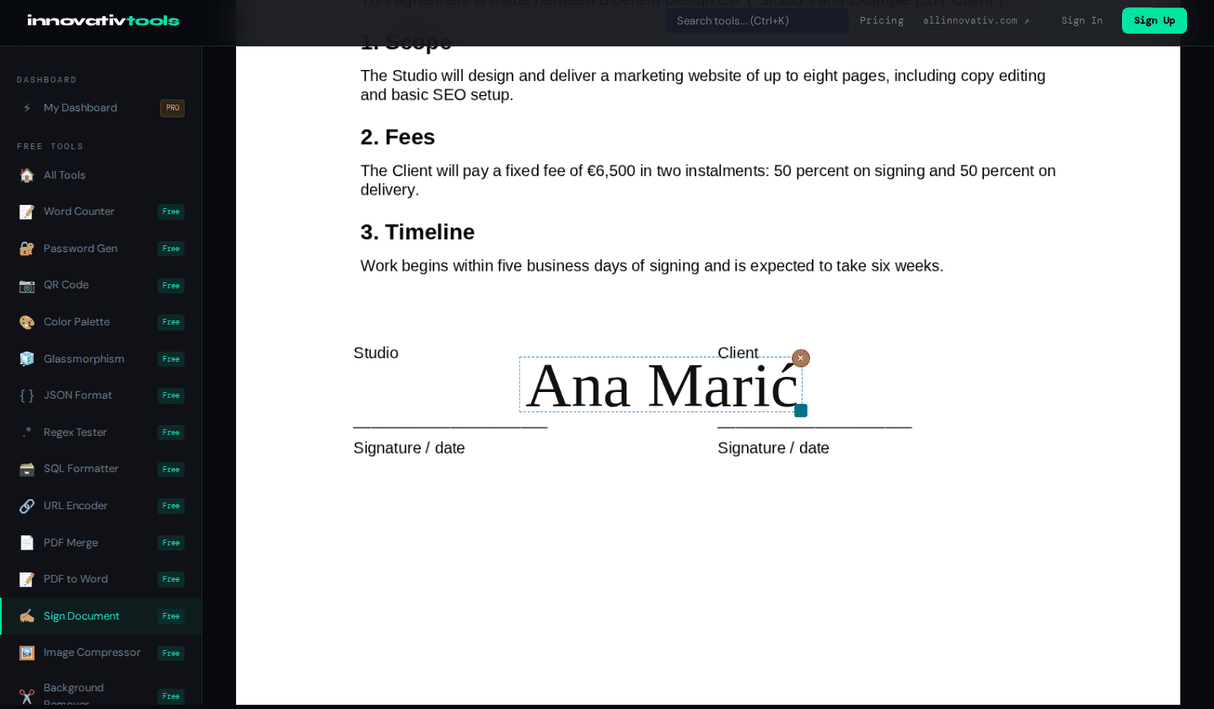
Draw or type your signature, place it on the page, and download a signed PDF. Nothing is sent anywhere.
Why use it
No upload
Files stay on your device.
100% local
Processed in your browser.
No watermark
Clean signed PDF.
Free
No signup, no limits.
Frequently asked questions
Are my documents uploaded?
No. Signing runs entirely in your browser, so your files never leave your device.
Is it really private?
Yes. There is no server processing — the document, your signature image and the signed PDF all stay on your device.
Is there a watermark?
No. The signed PDF is clean with no watermark added.
Is this a legally binding e-signature?
It adds a visual signature to the page, like signing a printout. That is often enough for everyday documents, but it is not a certificate-based or qualified e-signature; check what your document requires.
Ready to start? Open Sign Document.
The All Innovativ Sign Document tool lets you add a signature to a document without ever uploading your file — a free, 100% browser-based tool where everything stays on your device, with no account and no watermark.
Everything runs in your browser with pdf.js and pdf-lib; the document is never uploaded. Your signature image is created in the browser too and is not stored anywhere. The result is a visual signature, like signing a printout — not a certificate-based digital signature, qualified e-signature or tamper seal. It is free, needs no account and adds no watermark.