Base64 for APIs
Encode payloads and decode responses for your API work, instantly in your browser. Perfect for tokens and headers. No signup.
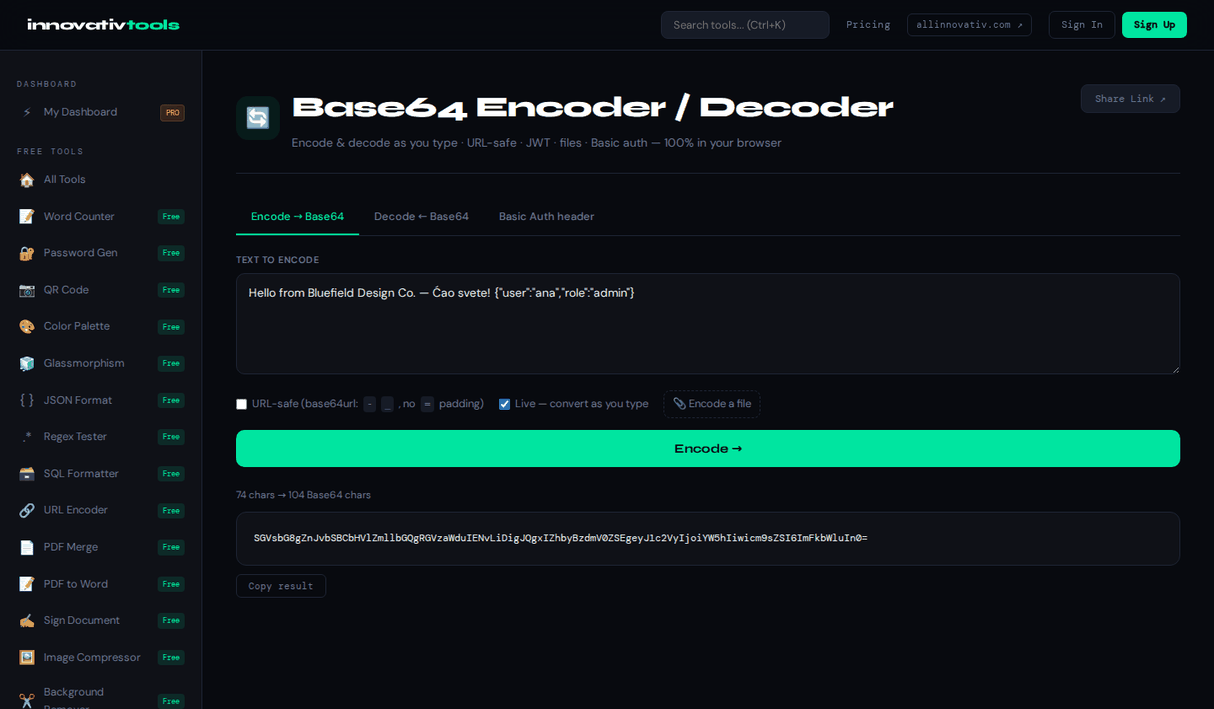
Open the Free Tool →API work often involves Base64: encoding data for transport or decoding values that come back encoded. This tool handles both directions instantly, so you can prepare requests and read responses without extra steps.
Everything runs in your browser, keeping your data local. It is free with no signup, a quick companion while building and testing API calls.
Why use it
Both directions
Encode payloads and decode responses from one tool.
Token-friendly
Decode JWTs into readable JSON and build Basic auth headers.
Runs locally
Your API data stays in your browser, not on a server.
Free, no signup
Use it while testing without an account.
FAQ
Why is Base64 used in APIs?
It encodes data into ASCII-safe text so it can travel through systems and headers that expect plain text.
Can I both encode and decode here?
Yes, the tool encodes text to Base64 and decodes Base64 back to text.
Is my API data uploaded?
No, everything is processed locally in your browser.
Is it good for debugging responses?
Yes, you can decode encoded API responses to read their contents.
Do I need an account?
No, it is free with no signup required.
Looking for the full tool? Open Base64 Encoder / Decoder — free and no account needed.
The All Innovativ Base64 for APIs tool encodes payloads and decodes responses for API work instantly in your browser — free, 100% browser-based, with no upload, no account and no signup.
Base64 encodes data into ASCII-safe text so it can travel through systems and headers that expect plain text, and this tool both encodes text to Base64 and decodes Base64 back to text. Everything is processed locally in your browser, so your API data is never uploaded and there is zero server-side retention. It is handy for debugging by decoding encoded API responses to read their contents, and it is free with no signup required.