Minify SQL to a Single Line
Collapse a multi-line query into one compact line: comments removed, strings and optimizer hints kept. Free, in your browser.
Open the SQL FormatterSometimes SQL has to go the other way: onto a single line, so it fits in a string in your code, a log line or a tool that breaks multi-line text.
Below is a real minified query, what happens with large scripts and special comments, and when minifying makes sense.
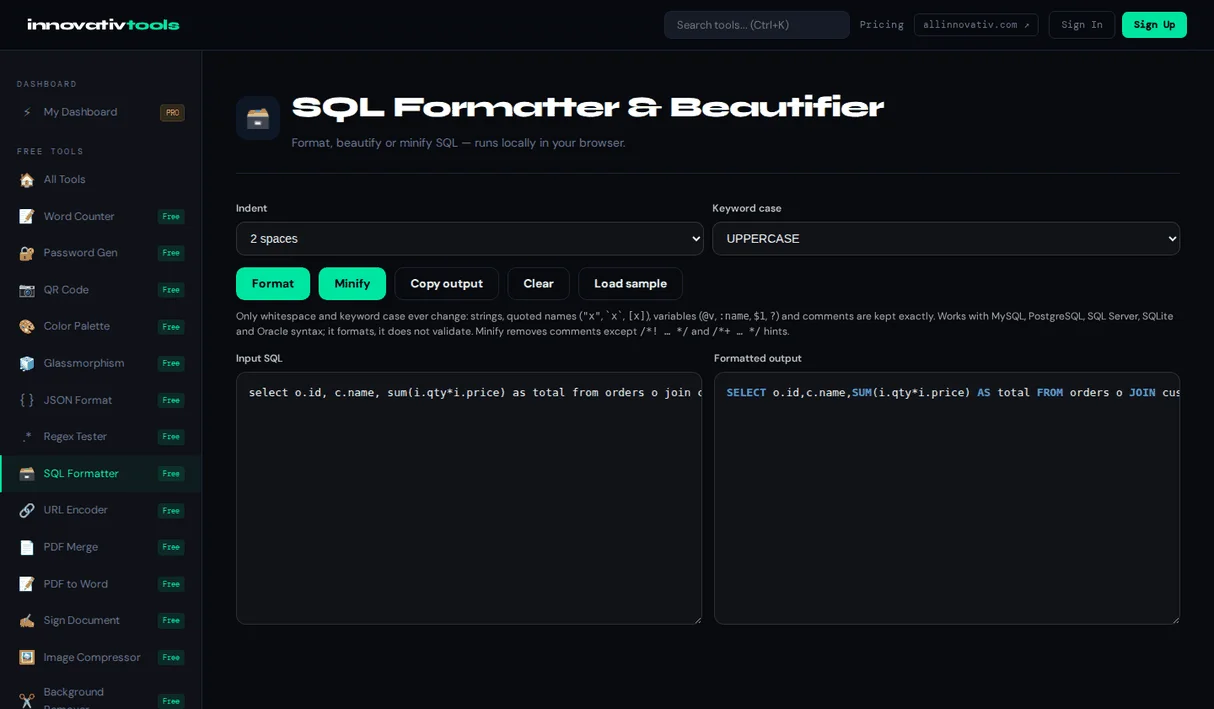
Real test: one query on one line
A formatted query with a line comment and a block comment, minified.
Input (281 characters)
SELECT
  o.id,
  c.name AS customer, -- shown on invoice
  SUM(i.qty * i.price) AS total
FROM orders o
JOIN customers c
  ON c.id = o.customer_id
/* only paid orders */
WHERE o.status = 'paid'
  AND c.note <> 'keep   these   spaces'
GROUP BY
  o.id,
  c.name
ORDER BY
  total DESC;
Output (211 characters)
SELECT o.id,c.name AS customer,SUM(i.qty*i.price) AS total FROM orders o JOIN customers c ON c.id=o.customer_id WHERE o.status='paid' AND c.note<>'keep these spaces' GROUP BY o.id,c.name ORDER BY total DESC;
Minify removed line breaks, indentation, the spaces around operators and commas, and both plain comments. It did not touch the string: the three spaces in 'keep these spaces' are still there. Choosing lowercase keywords gave the same line with select … from … where.
Scripts and hints
Bigger inputs and special comments.
| Input | Result |
|---|---|
| 2,000 formatted statements, 274,888 characters | One line of 234,890 characters (−15%) in about 0.6 s |
| Two statements and a comment | SELECT 1;SELECT 2; |
A /*+ INDEX(o idx_status) */ optimizer hint | Kept |
A /*! SQL_NO_CACHE */ MySQL comment | Kept |
Statements stay separated by their semicolons, so a script still runs statement by statement. Optimizer hints and MySQL version comments are kept on purpose, because dropping them could change how the query runs; ordinary comments are removed.
When to minify SQL
| Situation | Minify? |
|---|---|
| Embedding a query in a string in application code | Yes |
| Logging queries one per line | Yes |
| Pasting into a tool or chat that breaks multi-line text | Yes |
| Queries kept in a repository | No, keep them formatted for review |
| Speed | No effect: databases ignore whitespace |
Minified SQL is for transport, not for reading. To go back, paste it into format SQL; formatting a minified query gave the same result as formatting the original in our tests.
Embedding minified SQL in code
- Prefer parameters: keep values out of the SQL string and pass them as parameters (?, :name, $1); never paste user input into it.
- Mind the quotes: the minified line contains single quotes; wrap it in double quotes or a template literal in your language.
- Keep a formatted copy: store the readable version in a comment or a .sql file next to the code.
How to minify SQL
- Open the SQL Formatter and paste your query.
- Choose keyword case (UPPERCASE, lowercase or Keep as-is).
- Click Minify, then Copy output.
Runs in your browser; nothing is uploaded.
Frequently asked questions
Does minifying change what the query does?
No. Only whitespace and plain comments are removed; strings stay exact.
Are comments removed?
Plain -- and /* */ comments yes; /*+ hints */ and /*! MySQL */ comments are kept.
Does minified SQL run faster?
No. Databases ignore whitespace; minifying is for transport.
Can I minify a whole script?
Yes. 2,000 statements became one line in about 0.6 seconds.
Can I get the formatted version back?
Yes. Paste it into the formatter and click Format.
Is my SQL uploaded?
No. It runs in your browser.
Last updated: 18 November 2026.
The All Innovativ SQL Formatter minifies SQL to one line in the browser, removing whitespace and plain comments while keeping strings, optimizer hints and MySQL version comments, with selectable keyword case.
Real test: a 281-character formatted query became 211 characters on one line with the string 'keep these spaces' unchanged; 2,000 formatted statements (274,888 characters) became one line of 234,890 characters in about 0.6 s.